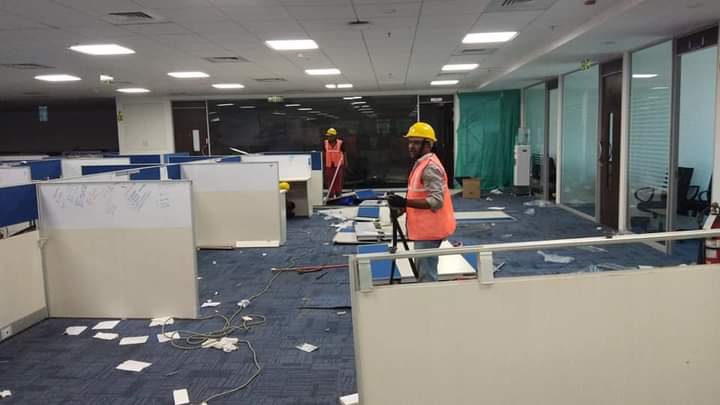

A practical checklist for handling old IT equipment, furniture and electronic waste when your office is relocating or downsizing.
The biggest mistake in office relocations is leaving the 'what do we do with the old stuff' question until moving week. Walk the floor at least a few weeks out and list what's not making the move — old workstations, broken chairs, legacy servers, cabling that won't be reused. That list is what a dismantling vendor needs to quote accurately.
It also gives your team time to flag anything with data on it that needs wiping before it leaves the building.
Working furniture, functioning monitors and usable networking gear often have buyback value that can offset your relocation costs — but only if they're identified and set aside rather than thrown in with everything else. A vendor who does buyback as part of dismantling will usually sort this on-site rather than needing you to pre-sort it.
Anything clearly broken or obsolete goes straight to recycling instead, so it's not slowing down the sorting process.
If any of the old hardware held company data, build data wiping or destruction into the move timeline itself — not as an afterthought after the new office is already set up. Ask your vendor for a disposal certificate as part of the job, since that's the document your admin or compliance team will want on file once the move is done.
We handle all three — dismantling, buyback and data destruction — as one scheduled job, timed around your actual move date.